To protect users and comply with financial regulations, Paisr applies rolling usage limits to each wallet. Limits are tracked across three categories and reset on a monthly basis.
Limit Categories
| Category | What it covers |
|---|---|
| Deposits | Funds added to your wallet via bank transfer or card |
| Transfers | Money sent to other Paisr wallets (P2P) |
| Withdrawals | Funds moved to a connected bank account (ACH) |
Each category has a current amount (how much you've used so far this period) and a maximum (your allowed ceiling). When you reach the maximum for a category, that type of transaction is blocked until the limit resets.
Viewing your usage
Navigate to Settings → Usage & Limits in your wallet to see your current usage for each category and when your limits reset.
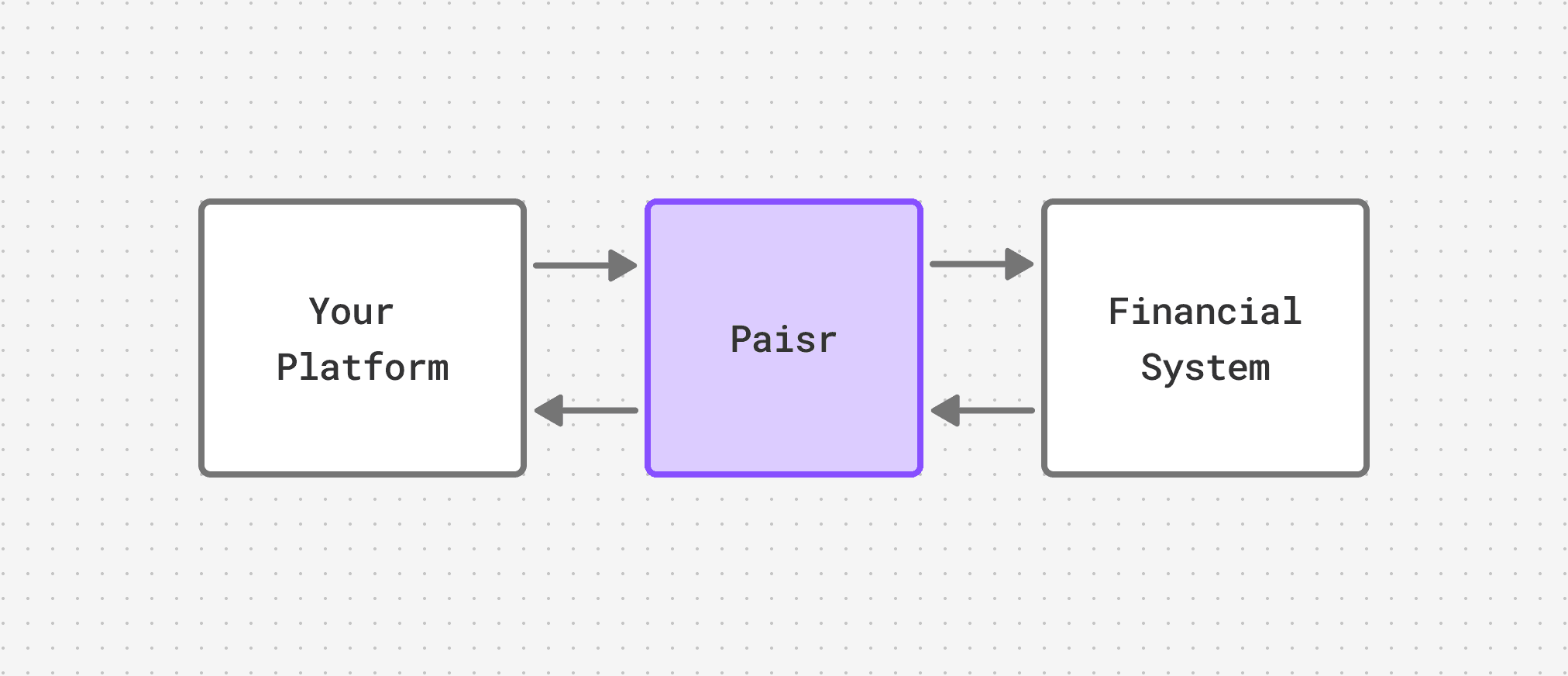
When limits reset
All three limits reset on the same date each month, shown as Resets on in your dashboard. Usage resets to zero at the start of each new period regardless of how much was used in the previous one.
Increasing your limits
Default limits are applied to all personal wallets. If you regularly need higher limits for transfers, deposits, or withdrawals, contact our support team at support@paisr.tech to discuss your options.
Limit increases may require additional identity verification.